
What Is Memos AI?
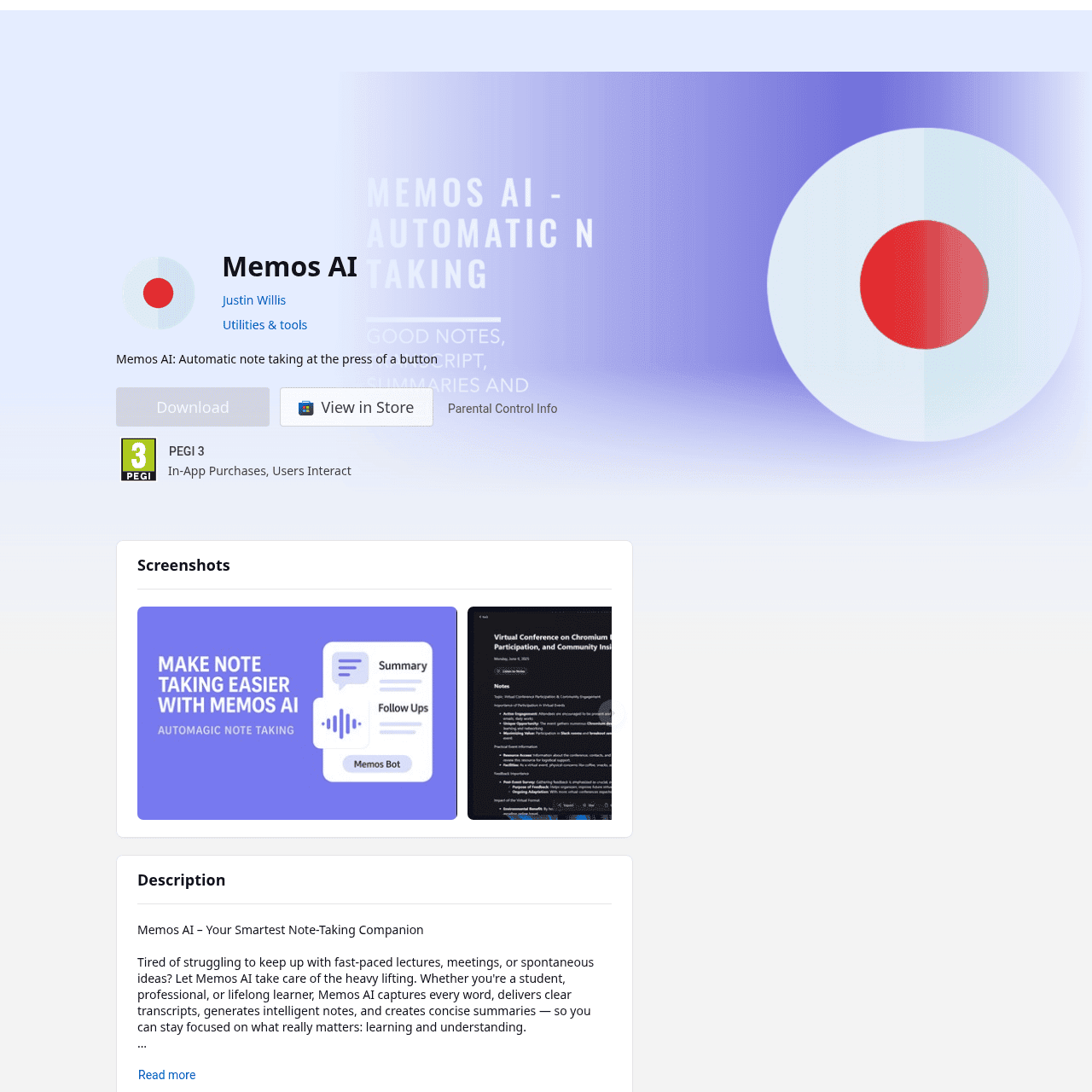
Memos AI is an AI-powered note-taking companion for Windows designed for lectures, meetings, and spontaneous ideas. It records audio, produces accurate transcriptions, and generates concise summaries so you never miss key points.
Users can quickly search across their notes and review structured, college-level notes without manually typing. By automating recording, transcription, and summarization, it helps students, professionals, and lifelong learners stay focused on listening and understanding instead of scrambling to take notes.
This makes it especially useful for classes, project meetings, research discussions, and knowledge-heavy sessions where capturing every detail matters.
Quick Snapshot
Memos AI automatically records, transcribes, and summarizes lectures and meetings so you can focus on listening instead of typing. It transforms spoken content into organized, searchable notes that make study and work review faster and easier.
- Works on
-
- Web
- Other
- Pricing Model
- Cannot determine the price.
- Fits on
- Affiliate Program
- We could not identify an affiliate program.
- API Availability
- We could not identify whether an API is available.
- Key Features
-
- Record and capture every word automatically
- Turn audio into transcripts and clear summaries
- Search all your lectures and meetings instantly
- Audience
-
- students
- teachers
- professionals
- knowledge workers
- researchers
- lifelong learners
Screenshot

Key Features of Memos AI
Automatic audio recording
Capture lectures, meetings, and ideas directly in the app so you can focus on the conversation instead of manual note-taking.
AI transcription
Convert recorded audio into accurate, readable text transcripts, making it easier to review, search, and reference details later.
AI summaries
Generate concise summaries that highlight the key points from long lectures or meetings, reducing review time.
Searchable notes
Search across all your AI-generated notes and transcripts to quickly find specific topics, terms, or decisions.
Windows integration
Run Memos AI natively on Windows, making it convenient for students and professionals who work primarily on PCs.
Use Cases for Memos AI
Lecture note-taking
Record and transcribe entire lectures automatically, then review concise AI-generated summaries instead of relying on rushed handwritten notes.
Meeting documentation
Capture every word from client calls, team meetings, or project discussions and turn them into organized, searchable notes for easy follow-up.
Research and interviews
Record interviews or research conversations and instantly convert them into transcripts and summaries to speed up analysis and reporting.
Idea capture
Quickly record spontaneous ideas or brainstorming sessions and have them automatically transcribed, so no insight gets lost.
Frequently Asked Questions
What is Memos AI and how does it work?
Memos AI is a Windows note-taking app that records audio, then uses AI to transcribe and summarize lectures, meetings, and ideas, turning them into organized, searchable notes.
Can Memos AI summarize long lectures or meetings?
Yes, Memos AI automatically generates concise summaries from your recordings so you can quickly review the most important points from long sessions.
Is Memos AI available on platforms other than Windows?
Based on the Microsoft Store listing, Memos AI is available for Windows. Other platforms are not mentioned in the provided information.
Does Memos AI support searchable notes?
Yes, Memos AI organizes your transcripts and summaries into searchable notes, allowing you to quickly find specific information from past recordings.
How is Memos AI priced?
The Microsoft Store listing does not provide pricing or subscription details for Memos AI, so its exact cost and plan structure are currently unknown.
Memos AI · Our Verdict
Memos AI focuses on the core workflow that matters most in fast-paced information settings: recording, transcribing, and summarizing. Its emphasis on searchable, structured notes for lectures and meetings makes it a practical choice for students and knowledge workers who live inside Windows and need reliable capture more than complex extras.
Memos AI ·
-
 Freemium
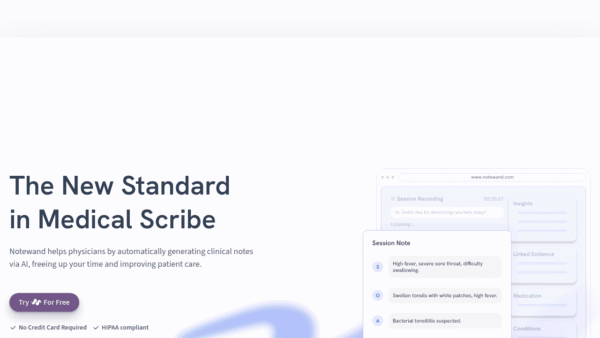
 Notewand
AI medical scribe that writes your notes
Healthcare AI - Freemium
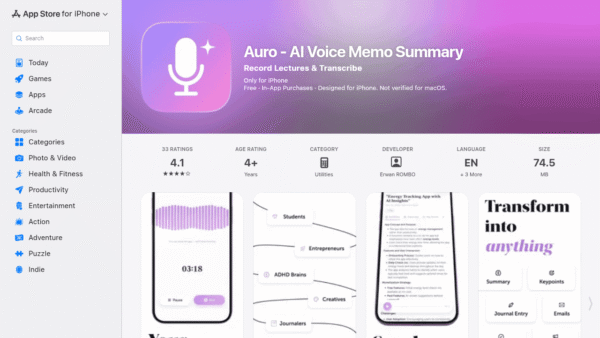
Auro – AI Voice Memo Summary
Speak your mind, get instant AI notes
Meeting Summarizers & Note-Takers - Subscription
Claio
AI that runs your clinic so you can treat patients.
Healthcare AI - Subscription
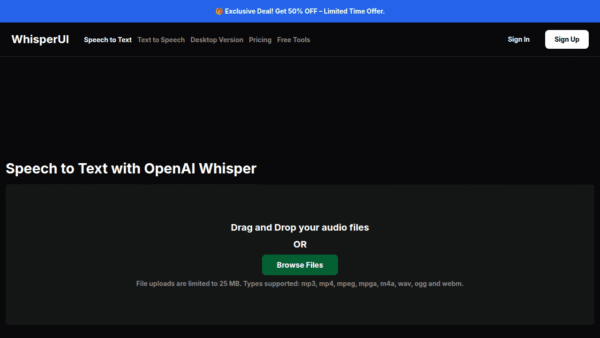
WhisperUI
Turn audio and meetings into accurate text faster
Speech-to-Text Transcription - Freemium
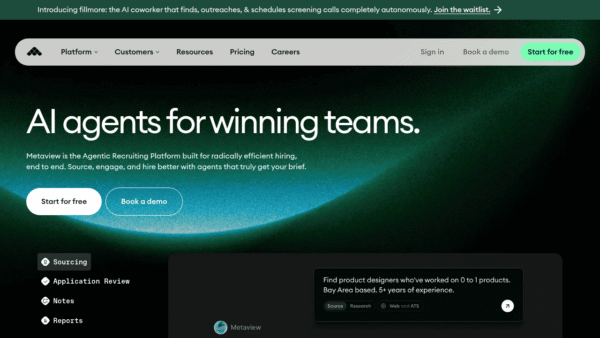
Metaview
AI agents for winning recruiting teams
HR & Payroll Automation - Your Ad Here
- Subscription
Rumi.ai
AI Meeting Memory for every conversation
Meeting Summarizers & Note-Takers -
Keevo
Stop losing traffic to stale content with AI
SEO Writing & Optimization