Videotowords.ai
Turn any video or audio into accurate text instantly.


What Is Videotowords.ai?
Videotowords.ai is a web-based AI transcription tool that turns video, audio, voice recordings, and YouTube content into clean, editable text online. Users can upload files or paste links and receive fast, automated transcripts with high accuracy, plus optional translations into multiple languages.
The platform supports various file formats, long recordings, and multilingual speech recognition, making it suitable for global audiences. Built-in editing and export options let you quickly refine transcripts and download or share them for documentation, content repurposing, or subtitles.
It’s designed for creators, educators, businesses, students, and professionals who want reliable transcription and subtitles without manual typing.
Quick Snapshot
Videotowords.ai cuts transcription time from hours to seconds by turning videos, audio files, and YouTube links into accurate, editable text and subtitles. Its multilingual support and simple workflow make it easy to repurpose content, improve accessibility, and share insights at scale.
- Works on
-
- Web
- Pricing Model
- Freemium — Videotowords.ai offers a free plan with 3 transcripts per day, allowing uploads up to 30 minutes or 5 GB and access to all features. Additional or higher-usage plans are available on a subscription basis with automatic renewal unless cancelled.
- Fits on
- Affiliate Program
- 30% recurring
- API Availability
- We could not identify whether an API is available.
- Key Features
-
- Convert video and audio to text instantly
- Transcribe and translate in multiple languages
- Edit and export clean transcripts easily
- Audience
-
- content creators
- YouTubers
- podcasters
- students
- educators
- business professionals
- marketers
- researchers
Screenshot

Key Features of Videotowords.ai
AI speech-to-text
Automatically converts video, audio, and voice recordings into accurate, editable text in seconds, reducing manual transcription work.
Video and YouTube support
Accepts direct file uploads and YouTube links, making it simple to transcribe content from multiple video sources.
Multilingual transcription
Recognizes and transcribes speech in multiple languages, enabling global teams and creators to serve international audiences.
Translation options
Offers optional text translation into multiple languages so you can quickly repurpose content for different markets.
Built-in text editor
Includes an online editor to review, clean up, and format transcripts before export or sharing.
Flexible export formats
Lets you download or share transcripts and subtitles for use in documents, caption files, and content workflows.
Long recording support
Handles long recordings and large files, making it suitable for lectures, webinars, and extended interviews.
Generous free plan
Free plan includes 3 transcripts daily with uploads up to 30 minutes or 5 GB, and access to all features.
Use Cases for Videotowords.ai
YouTube transcription
Quickly turn YouTube videos into accurate text transcripts for captions, blogs, or course material, helping you repurpose content and boost accessibility.
Podcast and audio notes
Convert podcast episodes or voice recordings into searchable text, making it easier to create show notes, summaries, and social media snippets.
Online courses and education
Provide students with transcripts and subtitles for lectures and tutorials, improving accessibility, comprehension, and study efficiency.
Business meetings and interviews
Transcribe meetings, interviews, and user research sessions into structured text so teams can quickly extract insights, action items, and quotes.
Multilingual localization
Use multilingual transcription and translation to localize videos and training content, reaching audiences in multiple languages without manual rewriting.
Frequently Asked Questions
What is Videotowords.ai and how does it work?
Videotowords.ai is an AI-powered transcription platform that converts video, audio, voice recordings, and YouTube links into text. You upload a file or paste a link, the AI processes the audio, and you receive an editable transcript with options for translation and export.
Is Videotowords.ai free to use?
Yes. Videotowords.ai offers a free plan that allows 3 transcripts per day with uploads up to 30 minutes or 5 GB, including access to all core features.
Which file types and sources does Videotowords.ai support?
Videotowords.ai supports a wide range of video and audio file formats and can also transcribe content directly from YouTube links, making it flexible for most common media workflows.
Does Videotowords.ai support multiple languages?
Yes. The platform includes multilingual speech recognition and can transcribe in multiple languages, with optional translation features to help localize your content.
Can I edit and export my transcripts from Videotowords.ai?
Yes. You can refine your transcript using the built-in editor and then export or download the text or subtitle files for use in documents, captions, or other tools.
Does Videotowords.ai offer an API?
No. Videotowords.ai does not currently provide an API and is primarily used through its web-based interface.
Is there an affiliate program for Videotowords.ai?
Yes. Videotowords.ai has an affiliate program that offers a 30% recurring commission on referrals, subject to the program’s terms.
Videotowords.ai · Our Verdict
Videotowords.ai stands out by combining accurate AI transcription with an interface that is straightforward enough for non-technical users. The generous free tier and multilingual capabilities make it particularly attractive for creators and professionals who need fast, frequent transcripts without complex setup.
Videotowords.ai ·
-

Keepi
Your personal knowledge AI inside WhatsApp
Knowledge Management - Subscription
Outcast
Record once and repurpose content everywhere.
Podcast Editing Assistants - Freemium
Notewand
AI medical scribe that writes your notes
Healthcare AI - One-Time
SpeechPulse
Offline voice typing for every desktop app
Speech-to-Text Transcription - Freemium
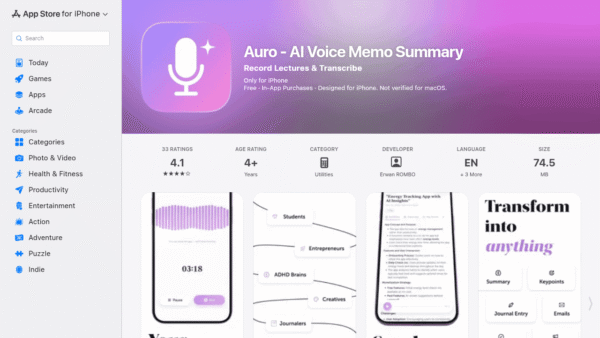
Auro – AI Voice Memo Summary
Speak your mind, get instant AI notes
Meeting Summarizers & Note-Takers - Your Ad Here
- Subscription
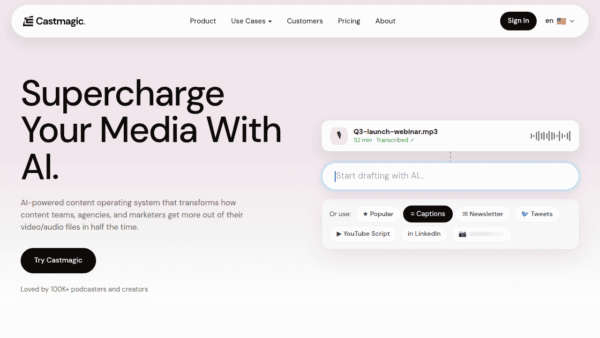
Castmagic
Turn every recording into publish-ready content
Productivity & Automation AI - Subscription
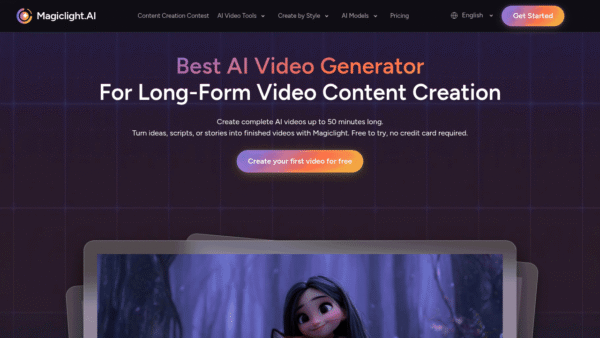
MagicLight.AI
Create full-length AI story videos from any idea
AI Video Generation