What Is Adobe Photoshop AI?
Adobe Photoshop AI is an AI-enhanced version of Adobe Photoshop that combines industry-standard image editing with advanced generative AI capabilities. It lets you reimagine scenes, remove or add objects, swap backgrounds, expand images, and generate new visuals simply by typing natural language prompts. The AI tools are designed to create seamless composites, declutter scenes, and apply realistic portrait and product edits with minimal manual work. By automating time‑consuming retouching tasks, Photoshop AI helps photographers, designers, and content creators explore more concepts and variations in less time.
It works across desktop and mobile while staying connected to Creative Cloud workflows, making it suitable for both studio and on-the-go editing. These AI features give creatives a faster, more flexible way to experiment, refine, and finalize high-quality visuals.
Quick Snapshot
Adobe Photoshop AI turns complex editing into quick, AI-assisted actions so creatives can focus on ideas instead of manual retouching. It delivers realistic, seamless results from simple text prompts and intuitive controls.
- Works on
-
- Mac
- Web
- iOS
- Android
- Pricing Model
- Cannot determine the price.
- Fits on
- Affiliate Program
- We could not identify an affiliate program.
- API Availability
- We could not identify whether an API is available.
- Key Features
-
- Turn prompts into realistic image edits
- Automate tedious retouching and cleanup
- Create seamless composites across devices
- Audience
-
- photographers
- graphic designers
- content creators
- marketing teams
- social media managers
- creative agencies
- ecommerce brands
Screenshot

Key Features of Adobe Photoshop AI
Generative editing
Create or modify image content by typing natural language prompts, enabling fast addition, removal, or transformation of visual elements.
Seamless compositing
Combine multiple elements into one image with AI-assisted blending, helping produce realistic composites with less manual masking and blending.
Background replacement
Swap or update backgrounds using generative AI for more relevant, clean, or creative scenes without complex selection work.
Image expansion
Extend the canvas and have AI generate matching content around the original image, maintaining style and perspective for wider compositions.
Scene decluttering
Remove unwanted objects and distractions from photos with AI-powered tools that fill in missing areas realistically.
Portrait enhancements
Apply realistic portrait updates and touch-ups with AI assistance, streamlining common adjustments while preserving natural appearance.
Desktop and mobile support
Use AI features across desktop and mobile versions of Photoshop, staying connected to Creative Cloud workflows on the go.
Use Cases for Adobe Photoshop AI
Product photo retouching
Quickly clean up product shots, remove distractions, and refine lighting or backgrounds so ecommerce brands can publish polished visuals faster.
Social media visuals
Generate on-brand images and adjust compositions with prompts, helping social media managers produce more eye-catching posts in less time.
Creative concepting
Rapidly explore different visual ideas, scenes, and layouts using generative prompts, giving designers more room to experiment before finalizing a direction.
Portrait and lifestyle edits
Update portraits with realistic, seamless edits—from background swaps to scene cleanup—without extensive manual retouching.
Marketing and ad creatives
Enable marketing teams to iterate quickly on ad variations, hero images, and campaign assets using generative fills and compositing tools.
Frequently Asked Questions
What is Adobe Photoshop AI used for?
Adobe Photoshop AI is used to speed up image creation, editing, and retouching by adding generative and assistive AI tools to Photoshop. It helps users create seamless composites, modify scenes, and enhance photos with simple text prompts.
Do I need Photoshop to use Adobe Photoshop AI features?
Yes. Adobe Photoshop AI refers to AI-powered capabilities built into Adobe Photoshop, so you access these tools within the main Photoshop application on desktop or mobile.
Can Adobe Photoshop AI generate new images from text prompts?
Adobe Photoshop AI can generate new visual content inside your canvas from natural language prompts, including adding objects, extending scenes, and modifying existing imagery.
Is Adobe Photoshop AI suitable for professional work?
Yes. Adobe Photoshop AI is designed for professional photographers, designers, and content teams, offering AI tools that integrate with established Photoshop workflows and Creative Cloud.
Does Adobe Photoshop AI work on mobile devices?
Yes. The AI features are available across desktop and mobile, enabling on-the-go editing while staying connected to Creative Cloud workflows.
Where can I find pricing for Adobe Photoshop AI?
Pricing information is not included in the provided data. To see current plans and costs, visit the official Adobe Photoshop AI page on Adobe’s website.
Adobe Photoshop AI · Our Verdict
Adobe Photoshop AI brings generative capabilities directly into a familiar, industry-standard photo editor, which makes adoption easier for existing Photoshop users. Its strength lies in turning complex compositing and retouching tasks into prompt-driven workflows while still keeping full manual control for fine-tuning.
For teams already in the Adobe ecosystem, it is a practical way to speed up production without changing tools or disrupting Creative Cloud-based workflows.
Adobe Photoshop AI ·
-
 Free
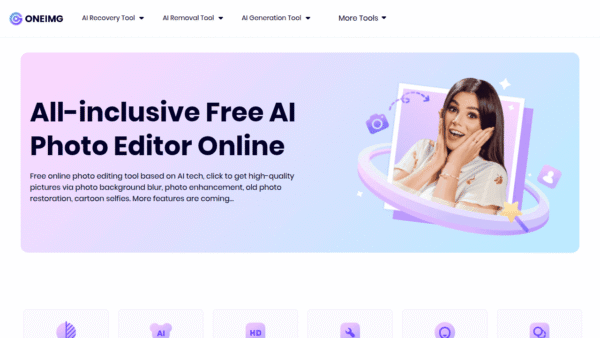
Free ONEIMG
All-in-one free AI photo editor online
AI Photo Editors - Freemium
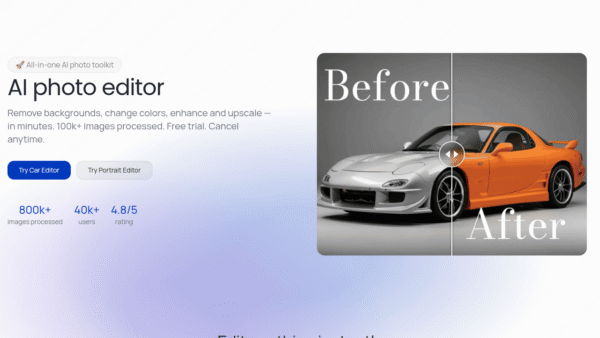
Photodot AI
AI photo editing for polished visuals at scale
AI Photo Editors - Credit-Based
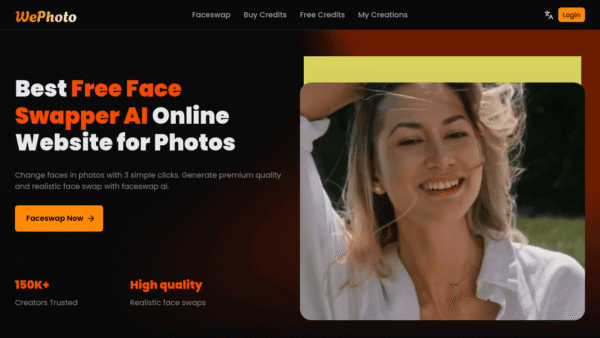
WePhoto FaceSwap AI
AI face swaps in your browser, instantly
AI Photo Editors - Freemium
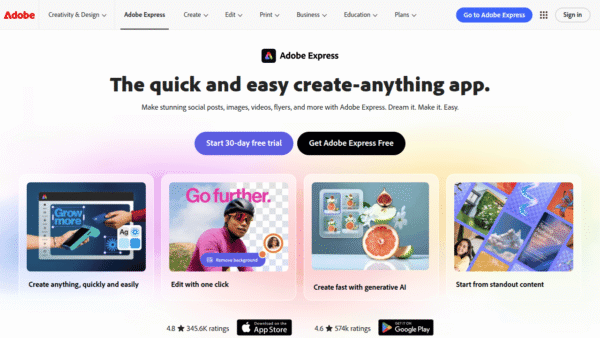
Adobe Express
Create standout content fast with AI
Image & Design AI - Credit-Based Premium
ImageTranslate.AI
Translate any image, keep the design intact
Image & Design AI - Your Ad Here
-
AI Avatar
Turn one selfie into hundreds of avatars
AI Photo Editors - Subscription
AiVOOV
Create realistic AI voiceovers from text in seconds
AI Voice Generators (Text-to-Speech)