


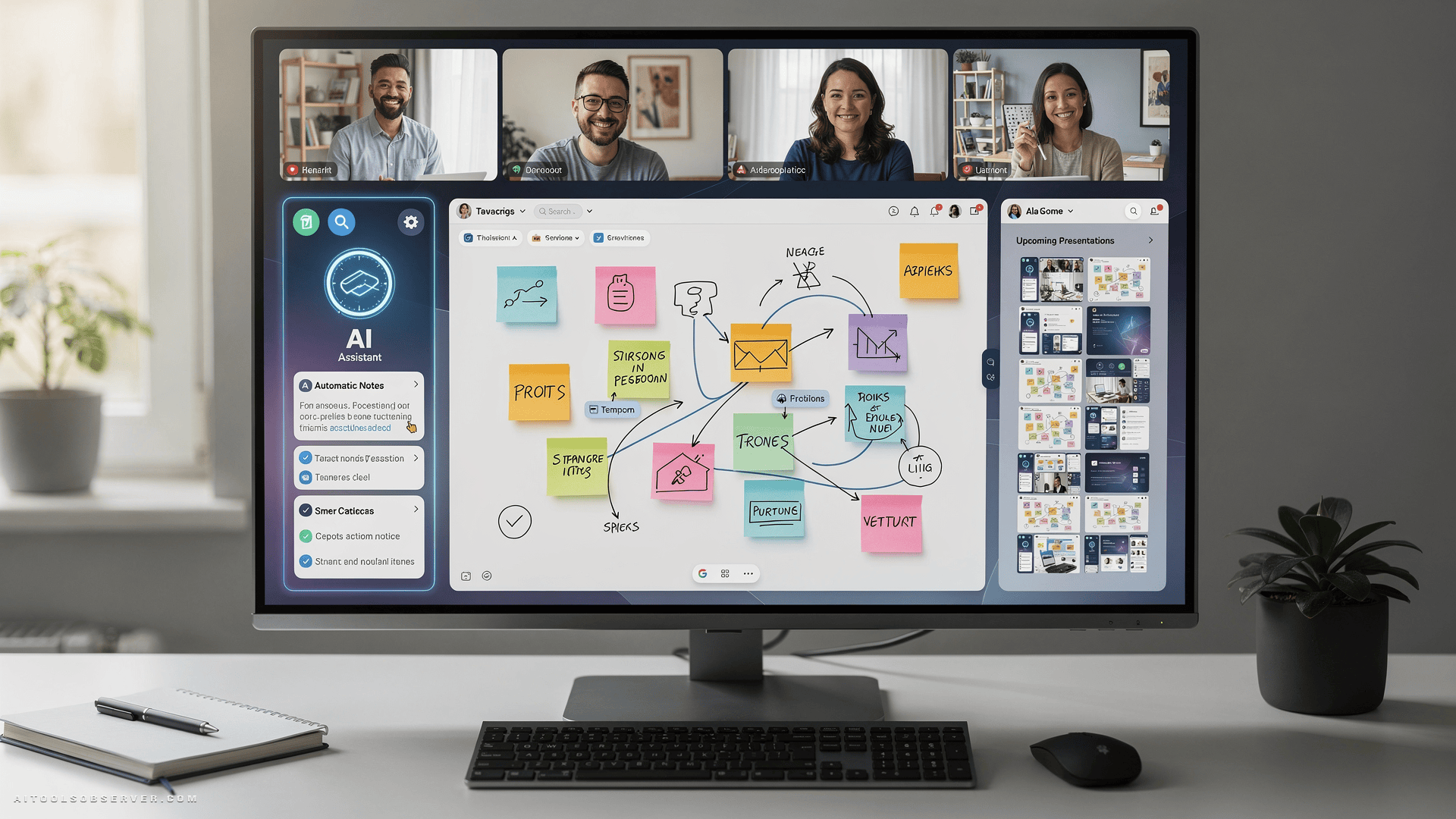
1. Zoom AI Companion — Best for Video Conferencing

If your meetings already live in Zoom, this is the easiest upgrade you’ll make all year. The AI Companion sits natively inside the platform — no extra tab, no third-party friction.
It summarizes conversations, surfaces action items, and helps you catch up if you join late. The integrations list is long, end-to-end encryption is included, and the pricing stays competitive for what you get.
The one rough edge: Zoom Docs still stumbles on spelling and grammar correction, which feels like a gap in an otherwise polished package. But for pure video conferencing intelligence, nothing else runs this close to the workflow.
Best for: Teams already on Zoom who want AI without switching tools.
2. Canva Magic Studio — Best for Graphic Design

Nobody wants to sit through a meeting anchored by a wall of bullet points. Canva Magic Studio solves the visual problem without requiring a design degree.
The interface is genuinely friendly — pop-ups guide you, templates do the heavy lifting, and the AI tools are powerful without being intimidating. The free version is excellent, and pricing scales reasonably as your needs grow.
Professional designers may find the guardrails a little tight, and the sheer volume of features can feel like a lot on first login. But for marketers and founders who need sharp visuals fast, Magic Studio earns its place in the pre-meeting toolkit.
Best for: Non-designers who need presentation-ready visuals without the learning curve.
3. Miro AI — Best for Whiteboards

Brainstorming in a video call without a shared canvas is just people talking at each other. Miro fixes that, and the AI layer makes it genuinely useful rather than just decorative.
The collaboration tools are excellent, the feature set is rich, and the integrations with other apps are among the strongest in this category. Miro AI can help organize ideas, cluster sticky notes, and turn messy whiteboards into structured outputs.
The tradeoff is complexity — more tools means more to learn. But for teams that think visually and work asynchronously across time zones, Miro is hard to beat.
Best for: Distributed teams running workshops, sprints, or any meeting that benefits from a shared visual space.
4. Prezi AI — Best for Presentations

Prezi has always done presentations differently — non-linear, zooming, cinematic. The AI layer now helps you get there faster, even if you have no design instincts whatsoever.
Templates are beautiful, the tool is easy to use, and the output tends to be more engaging than a standard slide deck. For anyone who needs to hold attention in a video call, that matters.
The cons are real though. Pricing can climb quickly, most plans cap collaboration at two users, and there’s no chat function. If you’re presenting solo or in a small team and can absorb the cost, Prezi AI delivers. Otherwise, weigh it carefully.
Best for: Solo presenters and small teams who want visually distinctive decks without hiring a designer.
5. OtterPilot (Otter.ai) — Best for Live Transcription

Every meeting produces decisions. Most of them disappear by Thursday. OtterPilot exists to stop that from happening.
It transcribes live audio in real time, integrates cleanly with most major video conferencing platforms, and includes an AI assistant that can answer questions about what was said. The free plan is genuinely generous, and the mobile apps are capable enough to use on the go.
The limitations worth knowing: uploading pre-recorded audio or video is strictly capped on lower tiers, and the transcription can struggle with heavy accents or inconsistent punctuation. For live meeting capture though, it remains the most practical tool in this list.
Best for: Anyone who needs accurate meeting records, follow-up summaries, and searchable transcripts without manual note-taking.
How to Choose
The right tool depends on where your meeting pain actually lives.
- Losing track of decisions? → OtterPilot
- Boring slides killing engagement? → Canva Magic Studio or Prezi AI
- Brainstorming sessions going nowhere? → Miro AI
- Everything happens in Zoom anyway? → Zoom AI Companion
You don’t need all five. Pick the one that solves your most expensive problem first.
One Last Thing
AI meeting tools work best when they remove friction, not add it. The trap is spending more time configuring your productivity stack than you’d save by using it. Start with one tool, let it earn its place, then expand.
The goal isn’t a smarter meeting setup. It’s fewer meetings that actually needed to happen — and better ones for the rest.









Comments (0) No comments yet
Want to join this discussion? Login or Register.
No comments yet. Be the first to share your thoughts!